Skip to content
Hero Background Light

RedM FiveM developers love

Power Your Roleplay Server. Scripts, Bots & Assets..

The Power Duo Clean Code, Clear Docs

Explore the documentation to perform a clean installation.

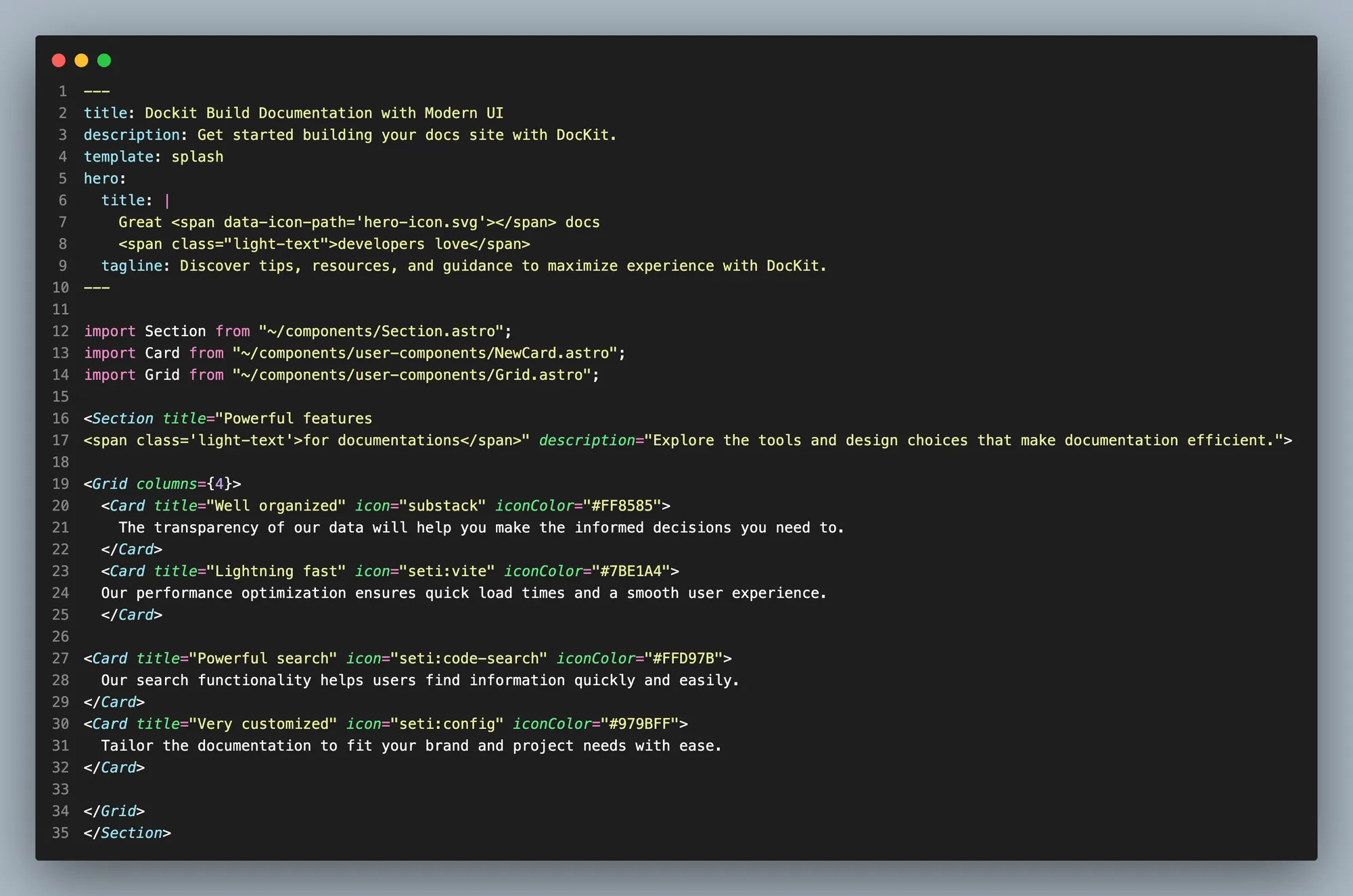
Clean & Organized Code

Every script comes with a clean, commented structure so you can easily customize it and understand how it works instantly.


Optimized for FiveM/RedM

Our scripts are tested and optimized specifically for FiveM and RedM environments, ensuring maximum performance on your server.

Targeted Search

Quickly find functions, events, or solutions for common modding issues with our indexed documentation.

Easy Customization

Modular scripts with clear configuration files, allowing you to adapt them to your server’s needs without deep coding knowledge.

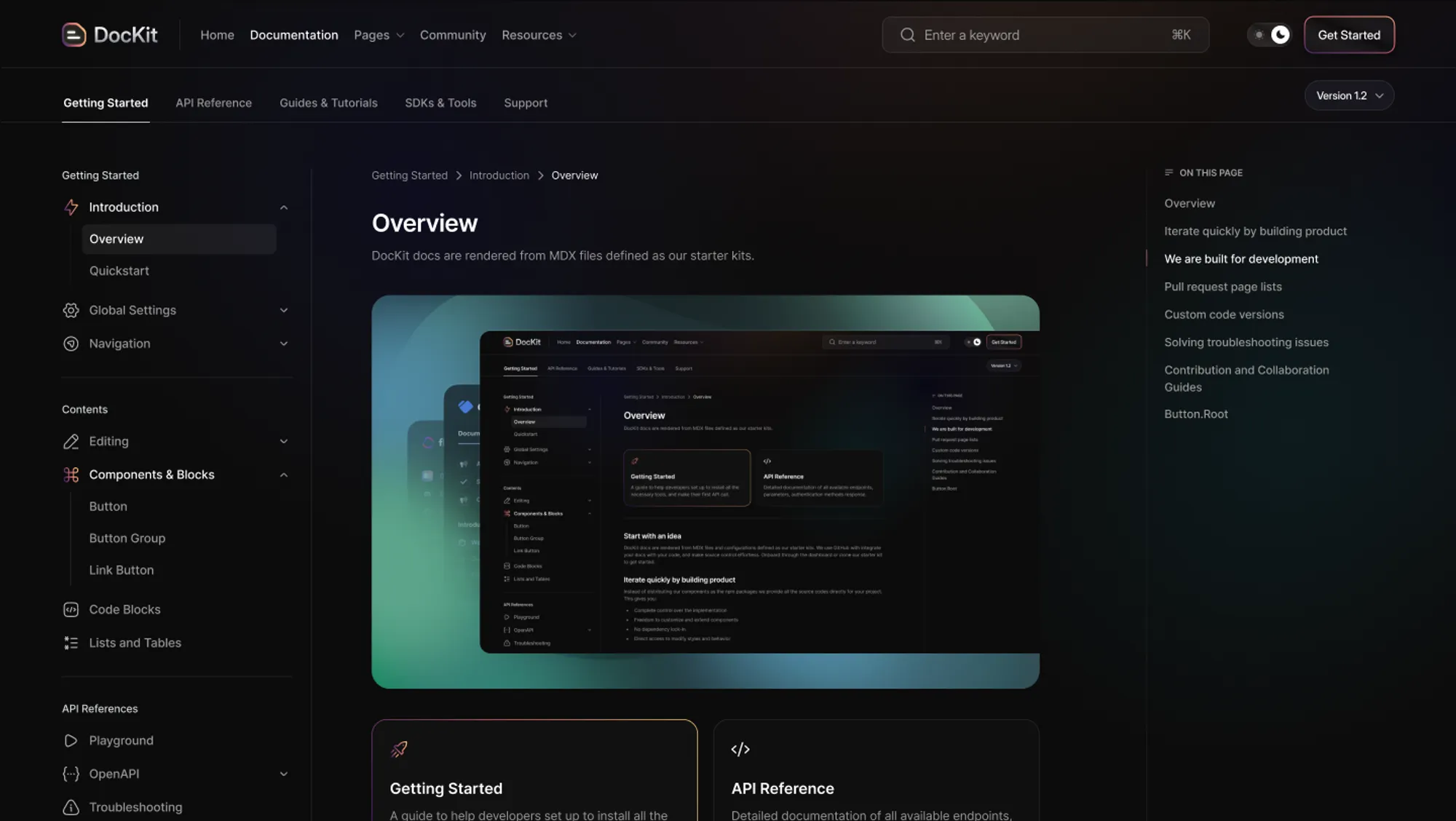
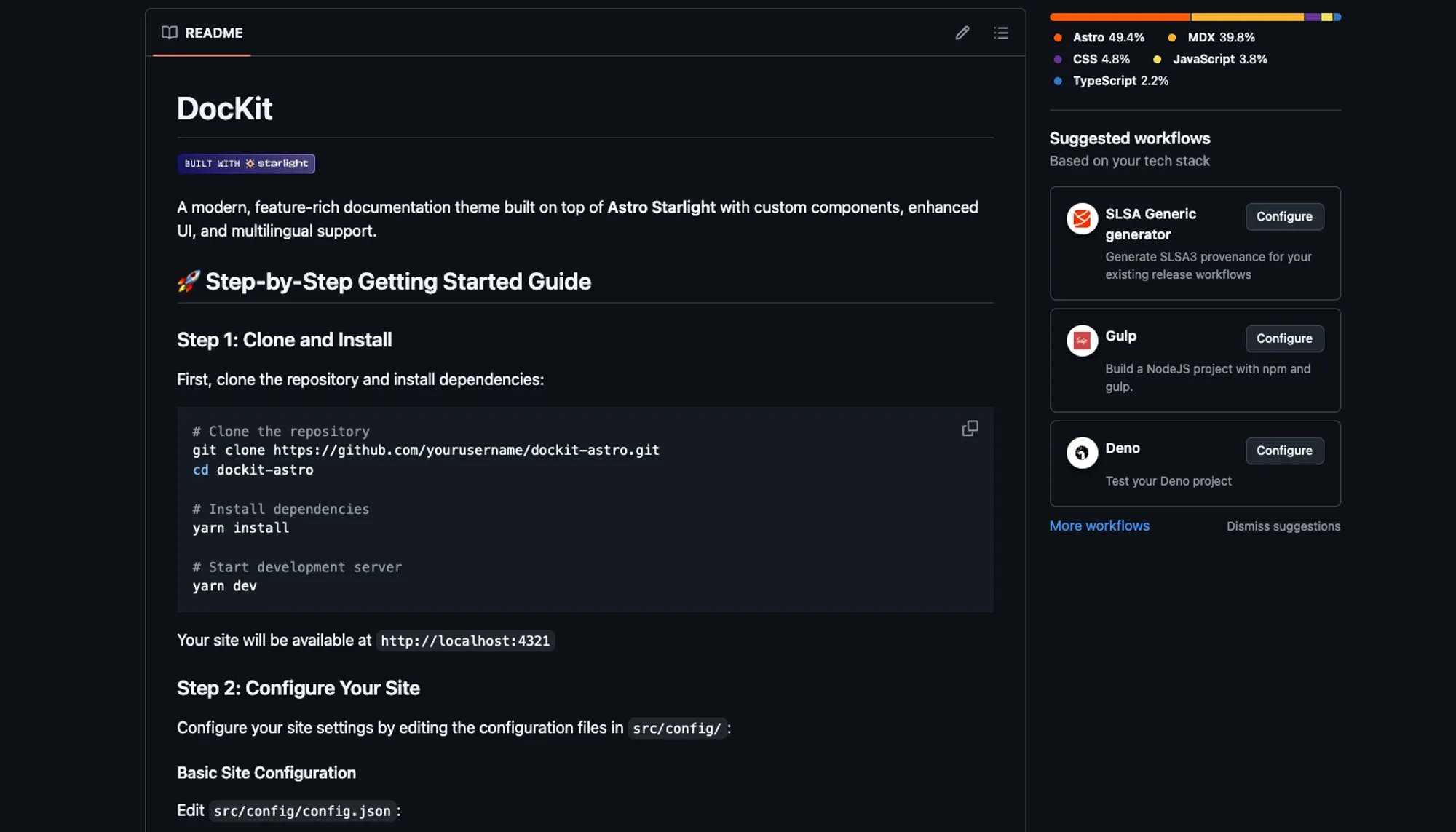
Get started quickly in just 3 simple steps

A fast and frustration-free way to set up and start your documentation.

Feature topics for our documentation

Explore our featured topics and get an idea of our capabilities.

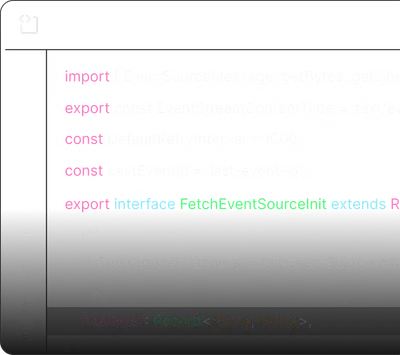
Code Syntax

Code Syntax

10 Articles
  • Syntax Highlighting
  • Line Numbers
  • Copy Button
  • Language Labels
  • Diff Highlighting
  • File Names

View code guide

Code Syntax
Version History

Version History

25 Articles
  • Release Notes
  • Feature Updates
  • Bug Fixes
  • Breaking Changes
  • Migration Guides
  • Deprecated Features

View changelog

Have question? We’re here to help

Get answers to the general questions people have asked.

Getting Started

Some questions about how to start.

Settings & Configurations

How to configure our documentation.

Help & Support

What type of support we provide.

How do I get started with Dockit?

Simply install our template, import the components you need, and start documenting your project. The setup process takes just a few minutes.

What are the system requirements?

Dockit requires Node.js 18+ and works with any modern web browser. It's built on Astro and supports all major operating systems.

Is Dockit free to use?

Yes, Dockit is completely free and open source. You can use it for personal and commercial projects without any limitations.

Can I customize the design?

Absolutely! Dockit is highly customizable with Tailwind CSS. You can modify colors, layouts, components, and add your own branding.

How do I change the theme colors?

You can customize theme colors by modifying the CSS custom properties in your theme configuration file or through the Tailwind config.

Can I add custom components?

Yes, you can create and add custom Astro components. Simply place them in the components folder and import them where needed.

How do I configure navigation?

Navigation is configured through the menu.json file in your config folder. You can add, remove, or reorder menu items as needed.

Can I use my own domain?

Yes, you can deploy Dockit to any hosting service and use your custom domain. We provide deployment guides for popular platforms.

Where can I get help?

You can get help through our GitHub discussions, documentation, or community Discord server. We also provide email support for complex issues.

How do I report bugs?

Please report bugs through our GitHub issues page with detailed information about the problem and steps to reproduce it.

Do you offer premium support?

While Dockit is free, we offer premium consulting services for custom implementations and enterprise deployments.

Ready to explore Dockit experience?

Discover tips, resources, and guidance to maximize experience with our documentation.
Get StartedView Docs